

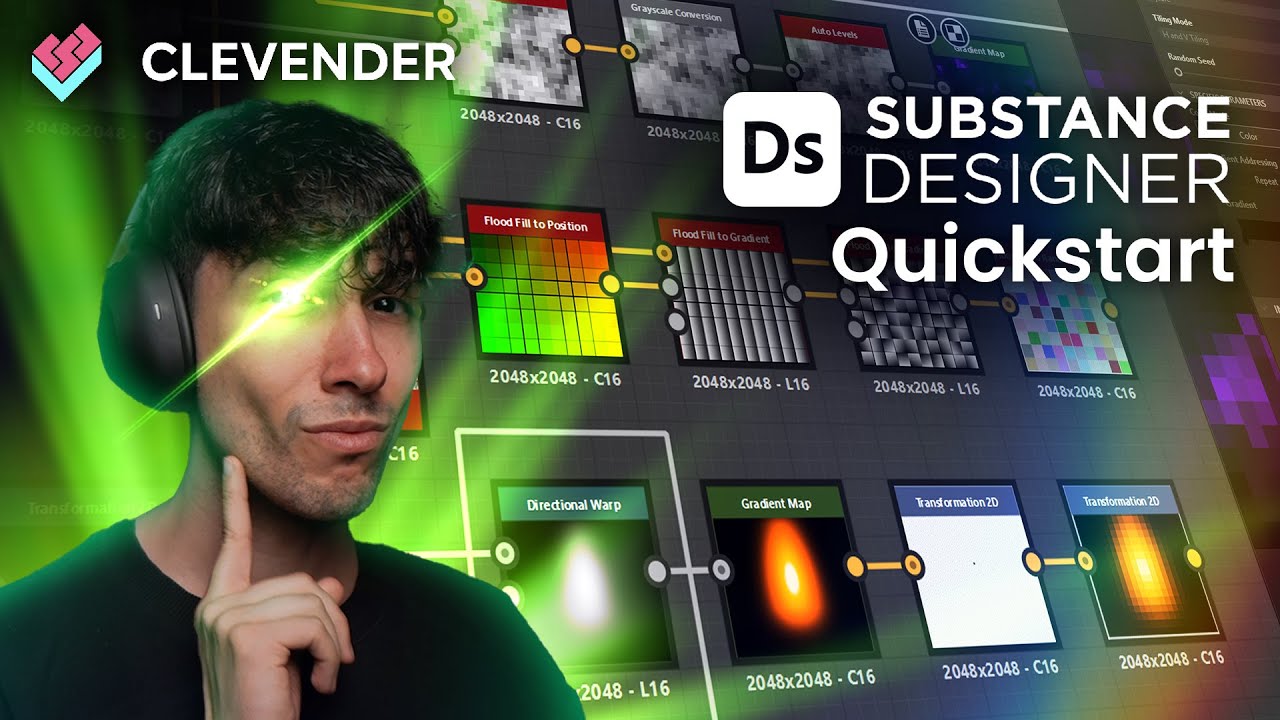
Create hirable VFX textures in Substance Designer that actually make you stand out.
This course is your fast track to mastering Substance Designer specifically for real-time VFX.
Forget the endless “node tours” or environment art workflows that don’t apply to effects. This isn’t about sculpting rocks or bricks: it’s about generating the fire, smoke, distortion, masks, and noise maps that drive the effects you actually need in Unity or Unreal.
No bloated theory, no outdated tutorials. Just practical, production-ready workflows to build custom, optimized textures that make your VFX pop and keep them lightweight enough for games.
Whether you’re coming from Unreal, Unity, or you’ve only used Photoshop before, this course will help you harness Designer as a VFX powerhouse tool.
Besides watching the lessons, you’ll be expected to pass the quizzes to follow along and make sure you really get it. You’ll also be encouraged to recreate textures and noise systems on your own. The fastest way to learn Designer is to actually use it until it feels natural.
The lessons go as follows:
Downloading and Installing Substance Designer

Setting up Designer

Designer Updates

Overview of the UI and Navigation

Course Resources – Unreal Engine Project

Exporting Textures

Introduction to Nodes

Grayscale and Color

Organize The Workspace

Atomic Nodes

Transform Node

Blend Node

Easy Noise Textures

Normal Node

Shape Node

Secret Shapes

Shape Extrude Node

Height Extrude Node

Polygon Node

Perlin Noise Node

Voronoi Noise Node

Levels and Auto Levels Node

Histogram Scan and Threshold Node

Cross Section Node

Slope Blur Node

Multi Directional Warp Node

Distance Node

Tile Generator Node

Tile Sampler Node

Shape Mapper Node

Cartesian to Polar Node

Edge Detect Node

Checkers Node

Input Value Node

Custom Shapes Node

Splatter Circular Node

Specific Techniques – RGBA Packing

Specific Techniques – Randomize Particle Textures

Specific Techniques – LUTs for Games

Specific Techniques – Chromatic Aberration

Specific Techniques – Pixelate

Specific Techniques – External Tools

Practical Example – Candle Flames

Practical Example – Stylized Anime Stars
Practical Example – Lens Flares
Practical Example – Rainbow Flares
Practical Example – Stylized Stunt Jumps
Practical Example – Ground Cracks
Practical Example – Splashes and Splatters

Practical Example – Stylized Digital Textures
Here’s what we’re hitting:
🎯 Course Objectives
We’ll set the vision: why Substance Designer is worth learning in 2026 (and still will be in 2030 most likely), what this course covers, and how it fits into a real VFX workflow.
⚙️ Core Concepts of Designer for VFX
Forget the “generalist” approach: this is focused entirely on what a VFX artist needs. We’ll break down graphs, nodes, blending, parameters, and how to stay procedural so you never get stuck.
🔥 Building VFX-Ready Textures
From noise maps to gradients, masks to distortion, we’ll build textures you can drop straight into Unity or Unreal. Everything will be explained step by step, with clarity and zero fluff.
⚡ Optimization & Performance
Learn how to keep your graphs efficient, your textures light, and your exports game-ready. Because it doesn’t matter how pretty your texture is if it tanks performance.
🚀 Polish & Delivery
Take your textures from “okay” to professional. Learn how to export, package, and present your Designer work so it’s clear, usable, and portfolio-worthy (yes, this matters when getting hired!).
Perfect for:
-
VFX artists new to Substance Designer who want a direct path
-
Unreal or Unity users who need custom textures beyond stock packs
-
Freelancers and indies who want to level up and look professional
-
Anyone tired of reusing the same noisy, low-quality textures and ready for full control


